My 30-Day Journey to Release My First VGM Pack
Hey everyone, Jordan here, and I’ve got a story about finally turning procrastination into production.
As a long-time member of the Video Game Music Alliance (VGMA) community, and someone who’s been coaching and teaching music theory within the group, there was one thing I had never done: I had never actually published my own music pack. I realized I had a ton of tracks just sitting around.
Inspired by how many VGMA newcomers share the same goal of finally releasing that first pack, I decided to document my journey. I wanted to show myself, and all of you, what’s truly possible when you lean in and get it done once and for all.
My ultimate goal? Start generating the passive income I’ve been aiming for.
The Commitment
For one full month, I made the pack my priority. I took time off from video games and TV, replacing that screen time with focused work. This vlog became both my motivation and accountability system—and as a bonus, I even set a goal to lose a few pounds in the process!
️🔊 The Command Center: My Dream Studio
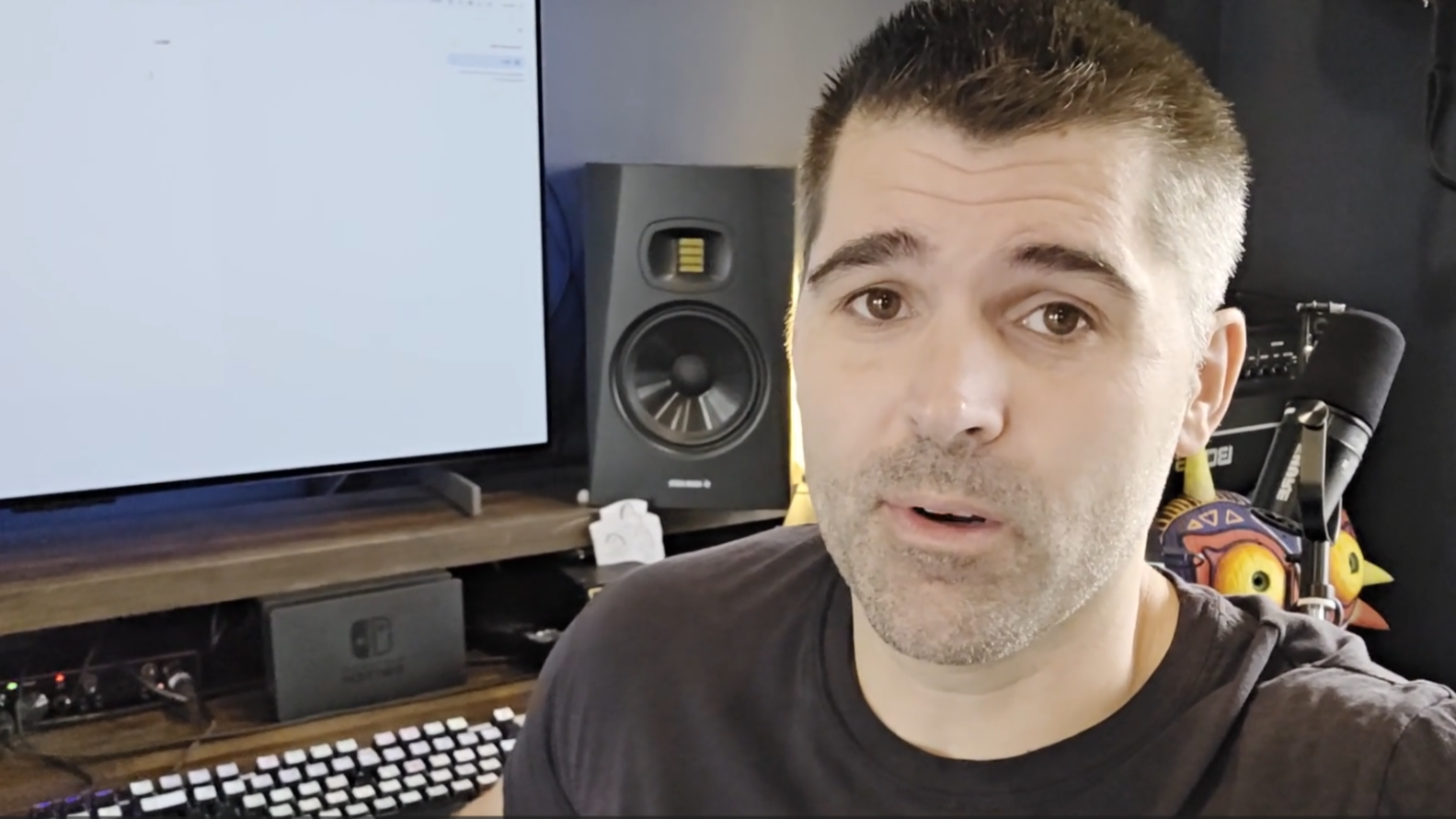
I didn’t start out in a fancy studio. Four years ago, I was making music on a laptop in my in-laws’ basement. Fast forward to now, built bit by bit, I’m working from our dream home on the Tennessee River in Decatur, my personal “oasis.”
With my new setup, I finally ran out of excuses.
To stay on track, I followed Steven Melin’s 7 Steps to Release Your First Video Game Music Pack course from VGMA.
Following the 7 Steps
Here’s how I tackled each part of the process using VGMA’s release framework:
Step 1: Market Research & Product Creation Strategy
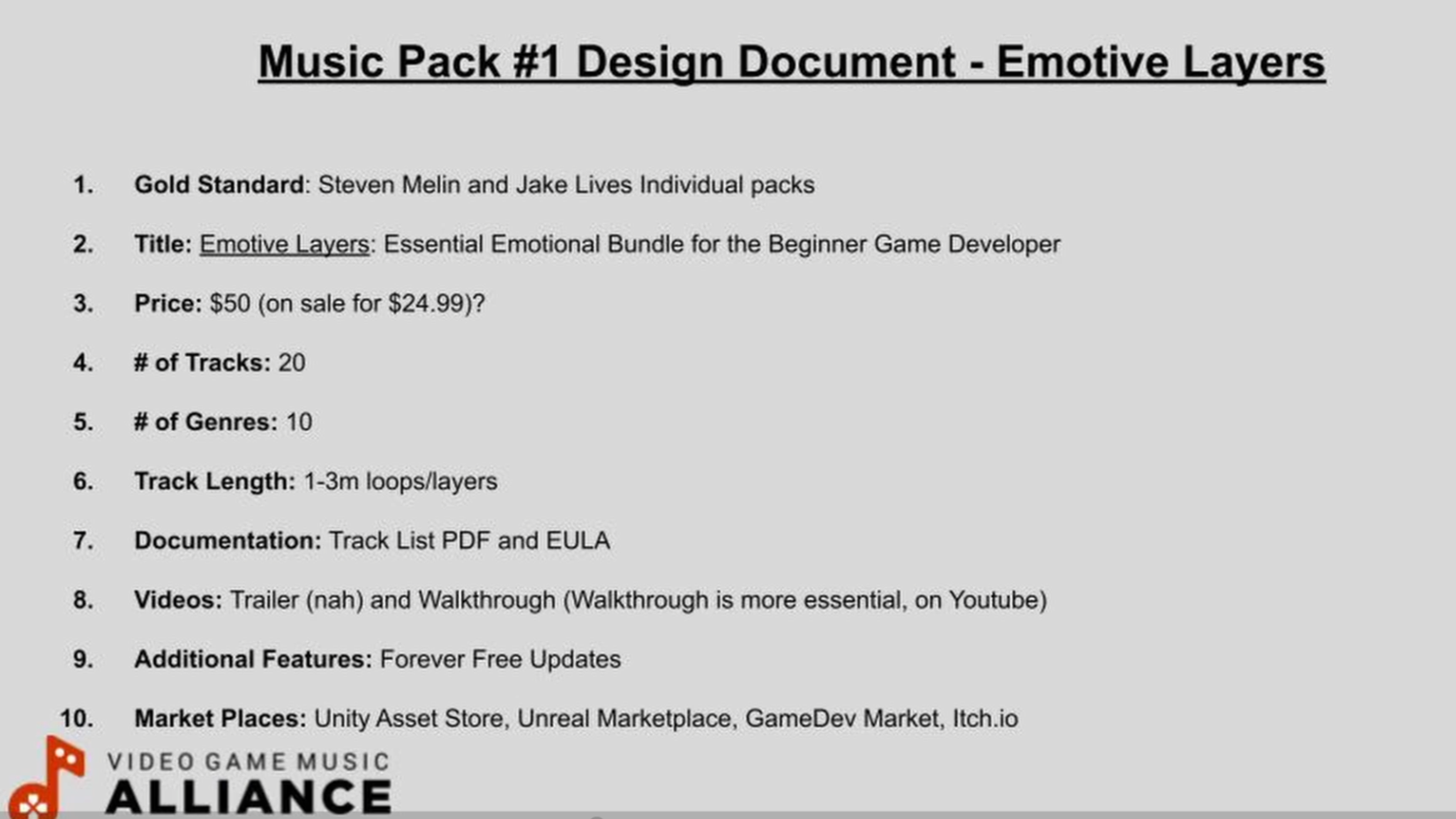
I named my pack Emotive Layers, positioning it as an essential emotional toolkit for beginner game developers.
Key Details:
Content: 20ish tracks across multiple genres, each 1–3 minutes long
Pricing: $25–$50 (adjustable later based on feedback and data)
Extras: Planned a PDF guide and a walkthrough video
Following Jake Lives’ advice, I created multiple versions of each track to give developers flexible options.
Step 2: Finish the Music Tracks
Day two was all about cleaning up old material and creating seamless loops. I dug through years of unfinished tracks—many started in Reaper and finished in Cubase.
The unsung hero? Audacity. It made cleanup and standardization easy: 44.1 kHz, 16-bit WAVs.
The final count: 43 files derived from 23 core tracks, each with alternate versions for developers.
Step 3: Organize Your Tracks
Organization was key. I:
Imported everything into one Cubase session
Normalized volume for consistency
Completed mastering
Sorted all 16-bit, 44.1 kHz files into properly named folders
VGMA Community Win: When I got stuck on batch exporting in Cubase, I posted my question—and within an hour, Steven (the Cubase guru) had me sorted out.
Having that neatly organized “ready-for-sale” folder felt incredible.
Crucial Tip: Sign up early for each game-music marketplace and finish your tax profiles first! Platforms like Fab (Unreal) took three days to approve my account, which stalled my timeline.
Step 4: Prepare Tracks for Marketplaces
This step felt like a rite of passage. Each marketplace has its quirks:
Unity: Requires downloading the Unity Editor and Developer Tools. Steven’s tutorial was a lifesaver.
Fab (Unreal): Similar process—download Unreal, zip your folders, and send them to the team via a shared link (Google Drive works great).
Itch.io & GameDev Market: Much simpler. Just zip your final files and upload.
For product descriptions, I referenced Steven’s and Jake’s packs, took notes on their formatting, and used a consistent layout across all stores.
Step 5: Sampler Track & Walkthrough Video (Marketing)
I built two key marketing assets:
Sampler Track – A YouTube compilation with 10–15 second snippets from each cue, plus a full SoundCloud playlist for developers to preview the complete tracks.
Walkthrough Video – This was outside my comfort zone! I recorded an 11-minute, one-take video explaining the vision behind Emotive Layers. Getting it done mattered more than perfection.
Step 6: Custom Artwork

Artwork was something I overthought for weeks until I finally just made it happen.
Used Vecteezy for free stock images (credited the source)
My wife helped design the simple, clean cover in Canva
Reformatted for each marketplace’s size requirements
Simple. Elegant. Done.
Step 7: Submission
This final stretch took an entire Saturday (Day 10 of the project):
Itch.io – Quickest and easiest upload. Accepted instantly.
Fab / Unreal – Required disabling engine plugins for a pure audio build. Approved that same night!
Unity – Estimated 10-day review period. I also had to fix a wrong file type (Unity project files required).
GameDev Market – Rejected my EULA upload; they don’t allow them due to Humble Bundle partnerships.
🎯 The Results: One Month Later
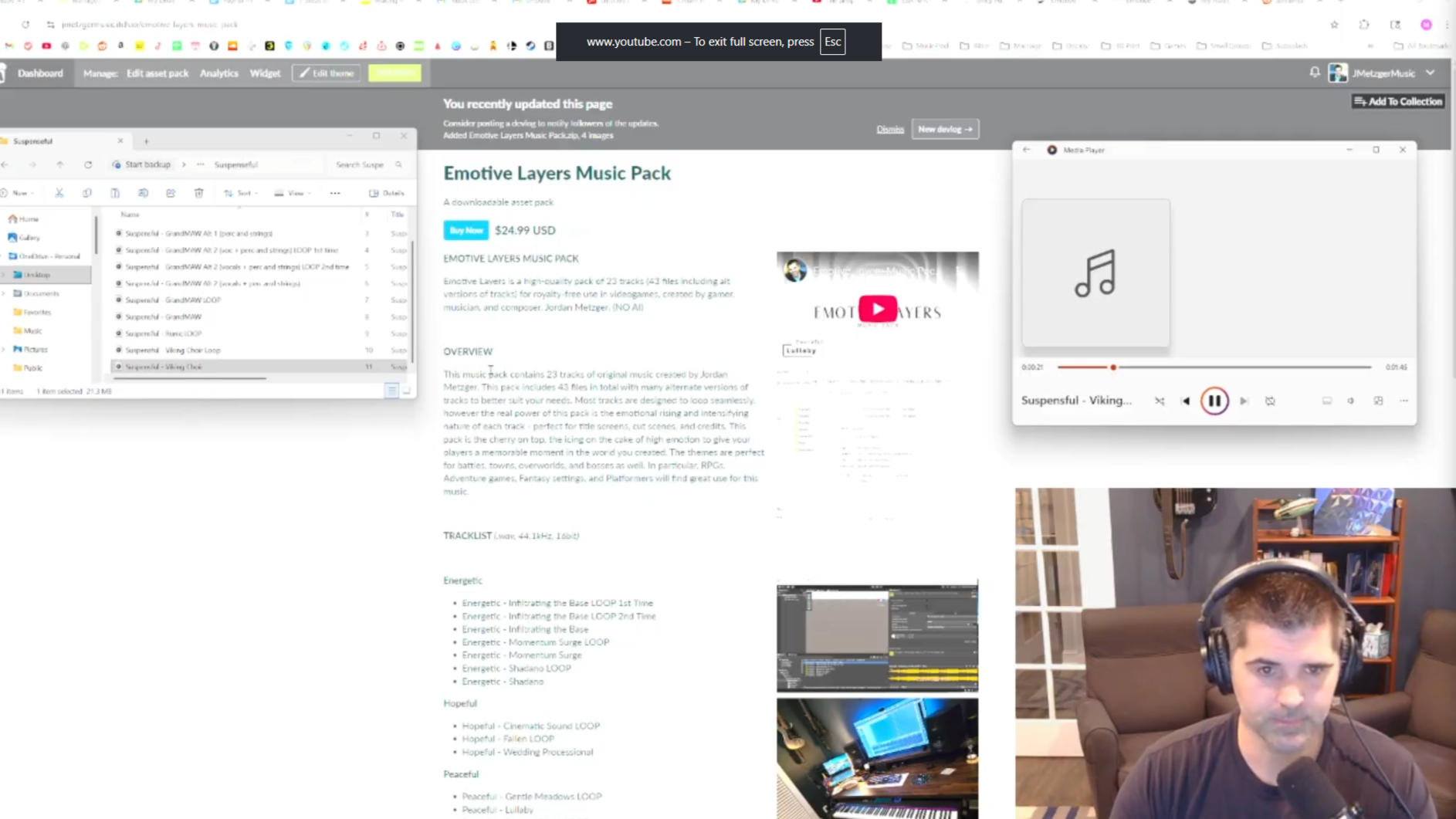
One month later, my pack was accepted on every store except Unity, which is still pending.
I learned that once the music is ready, the rest can be done in about 10 focused days of work. The first time through felt intimidating, but the VGMA resources made it achievable.
Most importantly:
✅ I now have music published that can make passive income.
✅ The workflow is ready for future packs.
✅ I built momentum (and even dropped those few pounds!)
My reward? Picking up the new Zelda Hyrule Warriors game 🎮
💡 Final Thoughts
If you’ve been sitting on unreleased music, don’t wait for the “perfect time.”
You can do this too.
Get your pack out there and start earning that passive income, and know that VGMA is here to help!