How to Mix Game Music with Headphones
What if instead of going to your luxurious basement studio made up of 3 sets of high-end monitors and a sub woofer and adorned with proper acoustic panels in a room that was custom made for a clear and precise listening environment, you were limited to a small room with no treatment and had no choice but to mix your music with your one pair of studio headphones? Believe it or not, this is actually a reality to some people (shocking, I know). This article is for them!
Open- vs Closed-Back Headphones
To start off, there are 2 types of headphones you should be aware of. Open-back and closed-back headphones.
Open-back headphones give a more accurate sense of placement and space. This is due to the fact that the ear cups are made in a way that allows air and sound to naturally “breathe” through. These headphones are good for long sessions, where your ears are less likely to get fatigued.
Closed-back headphones are the opposite - they have an enclosure around the ear cups that provides noise cancellation to the listener. The advantage to these is that they’re great for when you’re recording a live instrument and need to make sure there’s no bleed from your headphones. They are also ideal for when your mixing environment is noisy - whether that be from neighbors, a nearby highway, or a loud AC unit - in which case open-back headphones would be a disadvantage, since they don’t provide any type of noise cancellation. The disadvantage to closed-back headphones is that they can be less comfortable and more fatiguing to your ears.
Tools To Use When Mixing With Headphones
Frequency Response
Ideally, our headphones would give us an honest, flat frequency response to everything we hear. But that’s just not the reality. Checking the frequency response of your headphones will tell you exactly where the strengths and weaknesses of your headphones are, which means you can adjust your mix accordingly.
A simple Google search will show the frequency response of most well-known headphone brands. Here’s one of several graphs showing the frequency response of the headphones I’m using at the time of writing (ATH-M50x) and how they compare to a similar model:
Spectrum Analyzers
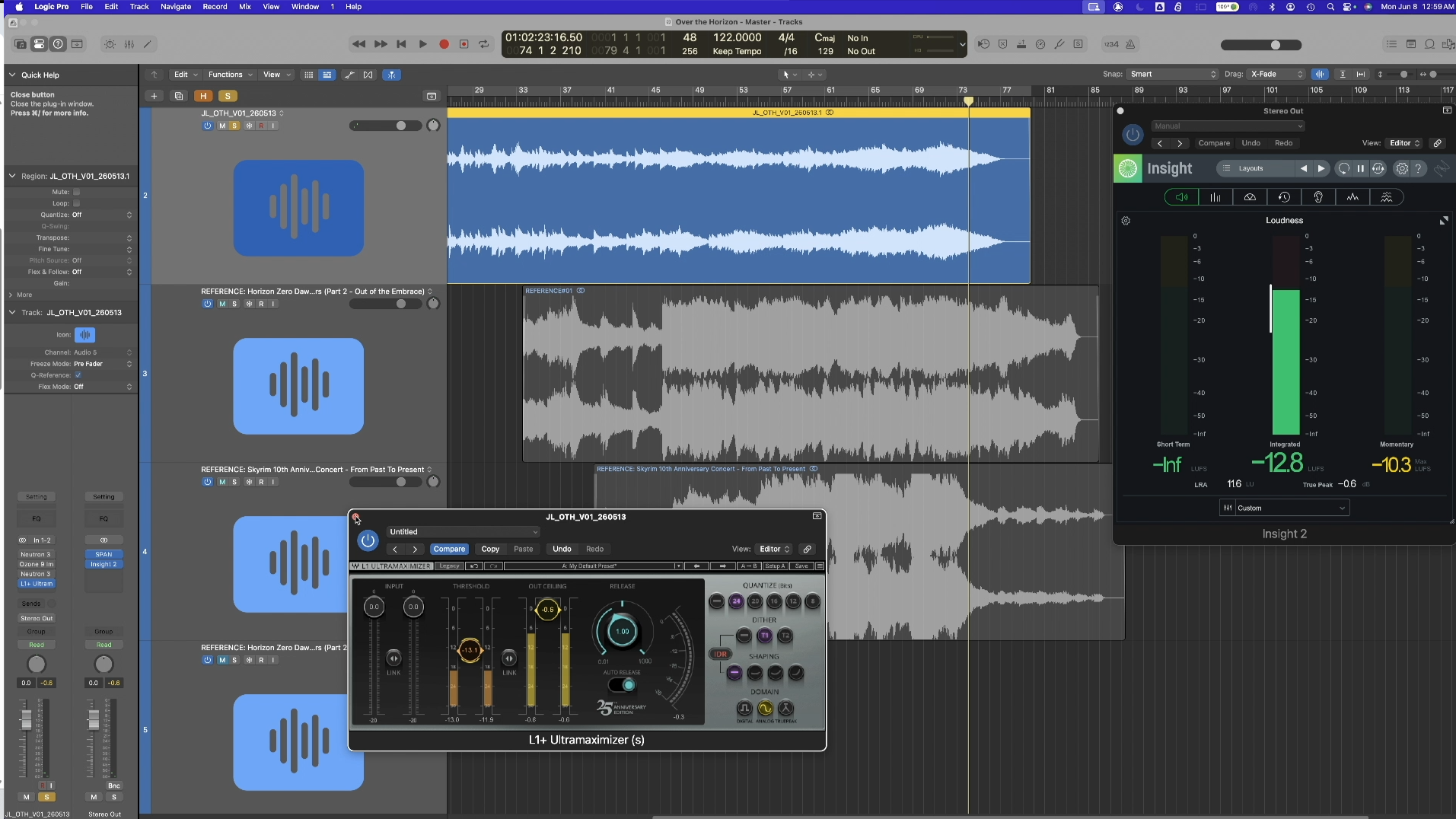
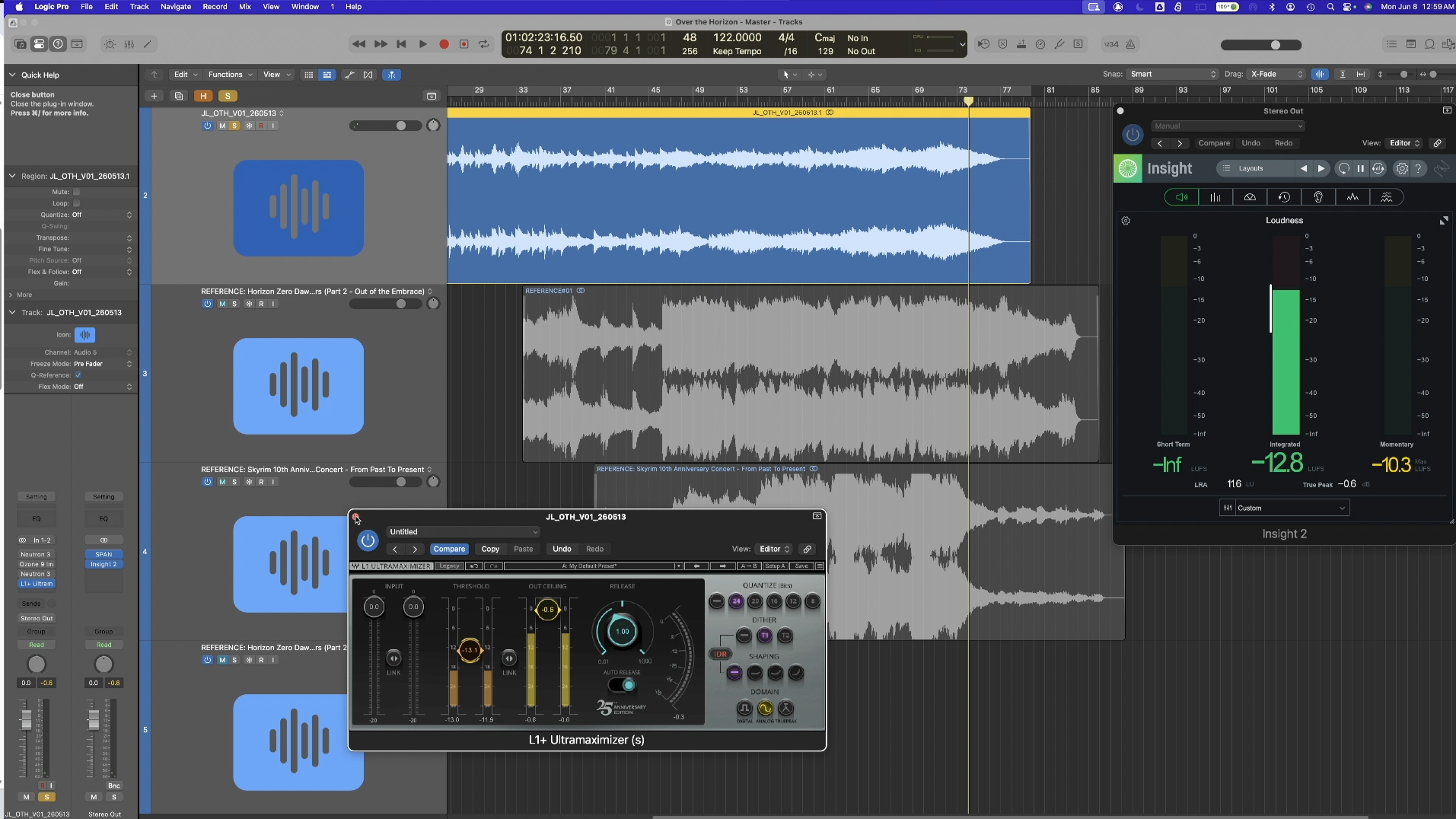
These measure the frequency response of a given signal. I tend to place these at the end of my mix bus so I can get a visual reference of how my music is working in terms of frequencies as a whole. Lately, I’ve been enjoying Voxengo’s free analyzer plugin, SPAN, because it allows me to easily bandpass a frequency range of my choosing. It’s an invaluable tool for mixing - especially for those frequencies our headphones lack in! Something to note, however, is that it’s important to mix with your ears first. Then you can reference visual tools like spectrum analyzers to fill in the gaps your headphones lack.
Reference Tracks
Reference tracks are tracks that represent the “gold standard” for the type of mix you’re going for. These are invaluable when limited to mixing in headphones. Make sure you’re familiar with and trust the mix of your reference tracks. Listen to how they sound in a variety of settings - from your phone speakers to your car - to clear up any doubt you might have.
How to use Reference Tracks
Effectively utilizing reference tracks to improve your mix requires skills found in a technique called deep listening. Originally explored by composer Pauline Oliveros, deep listening involves listening with intention, tuning out all other forces and essentially “being with” what you hear. You hone in on the sound and listen to it differently than you would in a passive situation.
Using some of the principles of deep listening, we can listen to specific elements and how they contribute to the full mix. Here are a few examples:
The bass elements, and how space is carved out for them (especially listening for the low-mids and how it doesn’t clash with the bass, but rather supports it)
The space or room the instruments are placed in - is it a hall, or a studio? Are the mics close to the musicians, or farther away?
Is there any type of delay effects that may be contributing to the sense of space? How are those delays EQ’d?
Do you hear any distortion? What type? Does it sound like it’s placed on the mix bus or on individual tracks?
The list goes on!
Think about how you would go about recreating what you heard using the tools you have. Then apply those principles to your mix! Do the same thing with future tracks during the composing and production process. Rinse and repeat. Like any skill, this can improve over time and will forever change the way you hear and appreciate all types of music.
While beyond the scope of this article, I find the topic of deep listening to be very insightful and useful as a composer. This ASCAP article dives into some of the creative benefits of deep listening.
Calibration Plugins
There are several room simulation and calibration plugins that are built to give you an accurate representation of what your mix would sound like in a studio environment. Abbey Road Studio 3, Sienna (currently with a free version available), and Sound ID Reference are among the top picks. Each of them are created to calibrate a variety of headphones that give them a more accurate listening environment to mix in. This can give you a better translation across other listening environments. Personally, I haven’t tried this, but I figured I’d include it as a resource for those interested - it’s definitely worth checking out at the least!
Next Steps
No matter where you’re at on your mixing journey - and no matter what kind of listening space you have access to - I highly recommend implementing the following strategies in your mixing process:
Use an analyzer
Remember that this will give you a visual reference to what you are hearing - or not hearing - in your mix.
Use reference tracks
Compare your mix to the mixes of your reference tracks. Listen deeply and with intention to each element and how they’re placed in the track.
Using the analyzer while listening will teach you a lot of what is going on in certain frequency spaces that may be difficult to hear with headphones. I have found this to be especially useful when mixing bass elements. Not only will this improve your mix but it will also save you time.
Ask for Feedback
When we work on a track for long enough, we start to get used to small flaws that could otherwise easily improve a track. A great way to catch these is to share your track with another set of trusted ears - heck, many sets of ears! Video Game Music Alliance® has a community and staff of coaches that can provide that kind of feedback to help you level up your mixing game.